Download free music.
Play, download, organize and discover music the way you like - on Android and iOS.
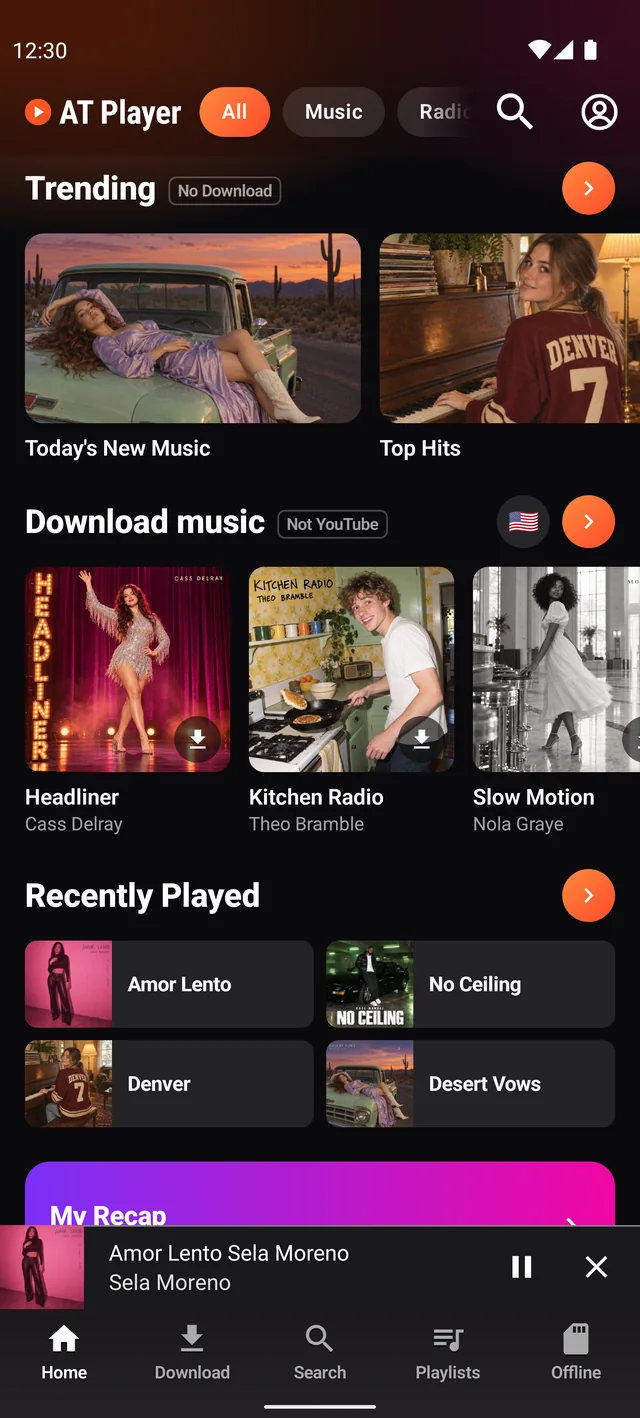
Explore music
Listen right in your browser - playlists, radio and free music from around the world.
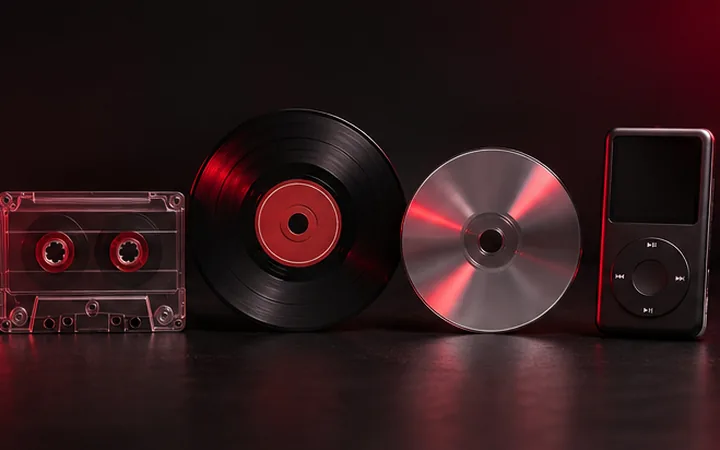
Take your music offline.
Download the songs that allow it and listen without internet.
Bring your playlists.
Import your YouTube playlists and keep everything in one library.
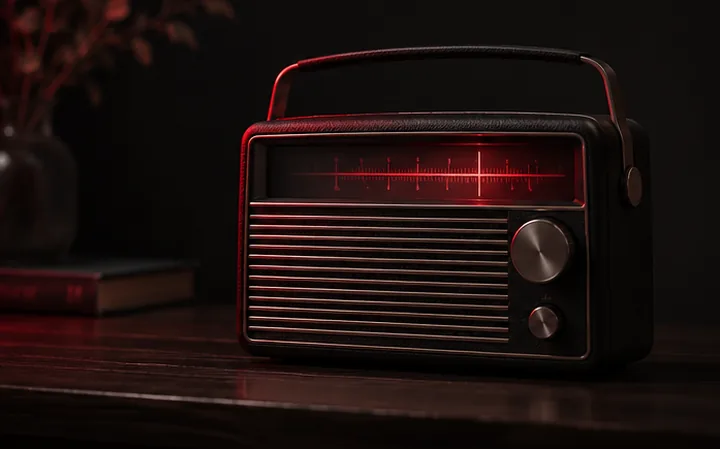
Radio from everywhere.
100,000+ live stations from around the world, with the screen off too.
Make it yours.
Pick a theme or put your own photo behind the music.
Made for music lovers.
One app for everything you listen to.
Describe a song and get it made, with vocals, lyrics and cover art.
Bass boost, surround sound, reverb and a volume boost up to 300%.
Describe a mood or a moment and get a 30-song playlist for it.
Ask anything about music and jump straight to the songs it names.
Songs like the one you play, from any decade since the 1940s.
Name the song playing around you or on any radio station.
Your top songs, artists and minutes by month or year, ready to share.
Scrolling lyrics you can edit, kept right inside your music files.
Fix titles, artists, albums, genres, lyrics and cover art.
Sign in once and your playlists follow you to a new phone and the web.
Save download enabled music for offline listening. Not YouTube.
Stream hundreds of millions of songs and import your playlists.
Listen with the screen off. Not YouTube.
100,000+ stations from around the world.
How AT Player works with YouTube
AT Player can import your YouTube playlists for streaming. The app follows the YouTube API terms.
- YouTube music is streamed, it is never downloaded.
- YouTube does not play in the background or when the screen is turned off.
- Downloads and offline listening are for download enabled music, not for YouTube.
Read our Terms of Use and Privacy Policy to see how we collect, use and protect your information.
See it in action
From the blog
All posts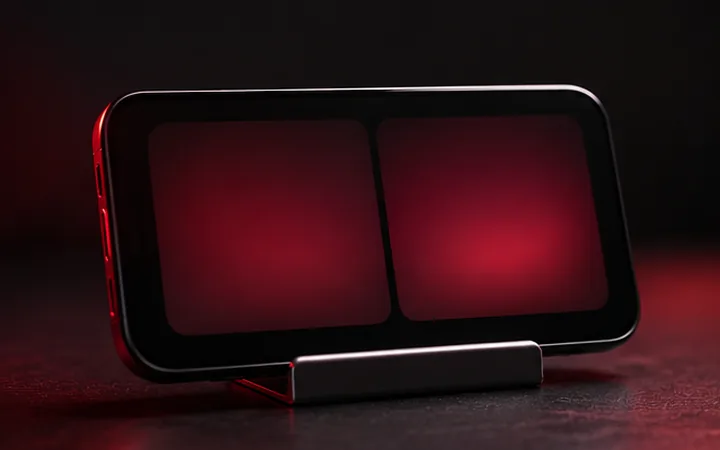
How to play two YouTube videos at once on Android
Play two YouTube videos at the same time on Android - split screen with two apps, or Multi-View in AT Player with both videos playing in one app.
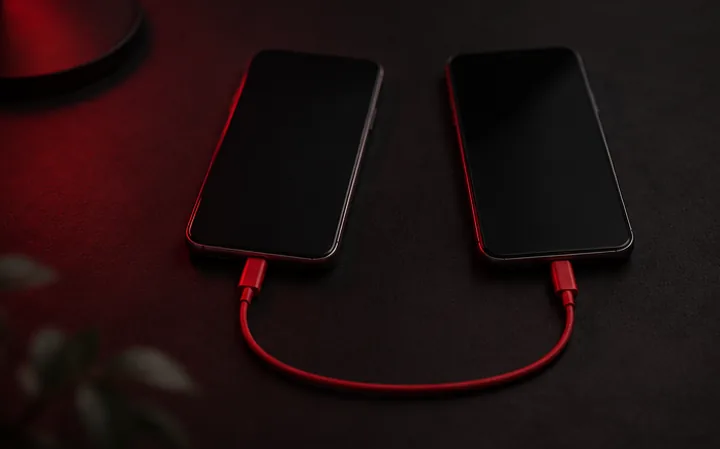
How to import Apple Music playlists into AT Player on Android
Move your Apple Music playlists into AT Player on Android in one go - connect the Apple Music app once and every playlist of your library comes in.
How to use an AI playlist generator on Android
Describe a mood or a moment, tap Generate and AT Player makes a playlist of about 30 songs. Where the button is, prompts that work and the daily limit.

Talk to us.
Questions, ideas, feedback - we read every message.
Start listening.
Trusted by 200M+ music lovers · 300M+ songs for free