Common questions
How to clean cache and data?
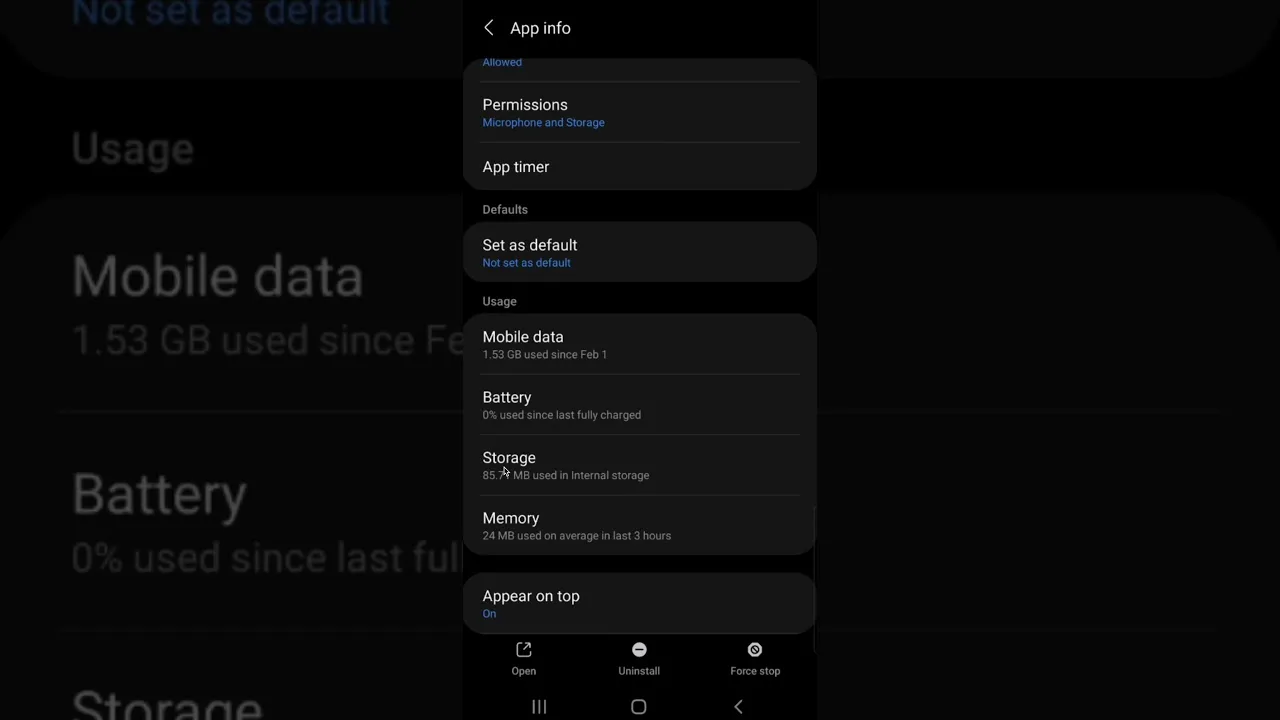
We have prepared the video instruction for you. You should make a long tap on the shortcut of the app, choose the App info section and then choose the Storage section. If you don't have the shortcut on your home screen, you should go to the system settings - Apps - choose AT Player app. Watch the video, please. And don't forget to make the backup!
Translate it into my language if possible!
It's already translated. The app should be translated to your language automatically when you open it. If it's not translated, please go to settings and select your language there. If you have some corrections, please let us know.