How to find playlists with a song on Android
Play the song in AT Player, tap the player bar to open the player and tap Playlists with this song at the bottom right of the video. A list of YouTube playlists found by the song's artist and title opens. Open one and tap the add icon on its cover to keep a copy in your Playlists tab.
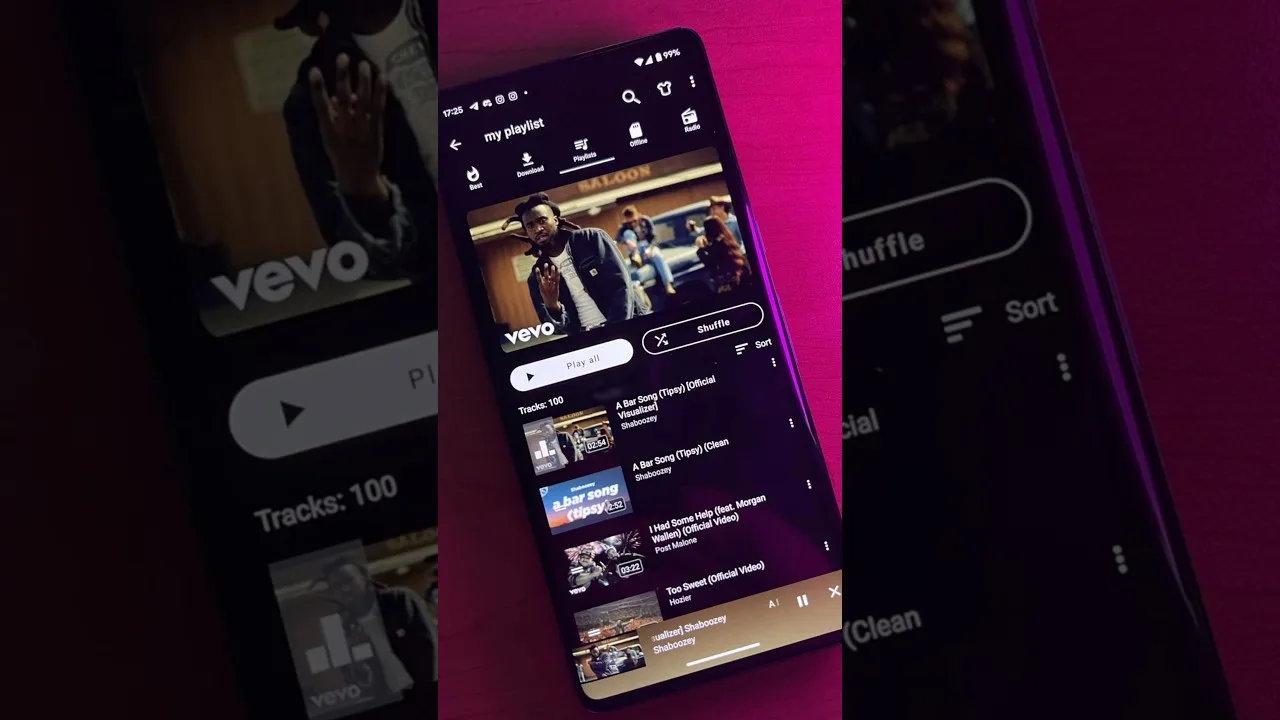
Find playlists for the song that plays
- Play the song, for example from a search.
- Tap the player bar above the tabs to open the player.
- Tap Playlists with this song, the lowest chip at the bottom right of the video.
- The player folds into the bar and the playlists show up. Tap one to see its songs.
- Tap Play all, Shuffle or any song in it.
The chip right above it, Similar, offers Similar Tracks and Magic Search for single songs. The feature was called Playlist Radar before.
Search playlists for any song
The song does not have to play first.
- Tap the search icon at the top.
- Type the artist and the song name and search.
- Tap Playlists in the row of chips above the results.
Find playlists like one of yours
- Open the Playlists tab.
- Tap the three dots next to one of your playlists.
- Tap Find similar playlists.
The app searches with a few songs from that playlist, so a second try can bring other results.
Save a playlist you found
- Open the playlist from the results.
- Scroll to the end. A long playlist loads as you scroll, and the copy takes the songs that have loaded.
- Tap the add icon in the bottom right corner of the playlist cover. The three dots at the top right, then Add to playlist, do the same.
- Tap New playlist, type a name and tap OK. Or tap one of your playlists to add the songs to it.
The app says Added to with the name, and the playlist waits in the Playlists tab. For one song only, tap the three dots on its row and Add to playlist.
The copy is a normal playlist of yours. It keeps the songs it had when you saved it, later changes to the original do not reach it.
What it does not do
- The chip shows only while a song from YouTube plays. Songs from the Download tab, files on the phone and radio stations do not get it.
- Found playlists are YouTube playlists. Their songs stream and are never downloaded, and YouTube does not play with the screen off or in the background.
- Music for offline listening comes from the Download tab, see how to download music for offline listening.
- It does not bring in the playlists of your own YouTube account, importing YouTube playlists does that.
Questions
Why don't I see Playlists with this song?
It shows only while a YouTube song plays, and it steps aside while an ad card covers the video. Downloaded songs, phone files and radio do not get it.
Does it work for a song on the radio?
Tap Watch video on YouTube in the player while the station shows the song name, then play the song from the results. The chip appears once its video plays.
Can I listen to a found playlist offline?
No, its songs stream from YouTube and are never downloaded. Songs from the Download tab play offline.
Does my copy change when the original playlist changes?
No, it keeps the songs it had on the day you saved it. You can rename it and remove songs like in any playlist you made.