How to import Apple Music playlists into AT Player on Android
Open the Menu page, tap Import YouTube playlists and then Import Apple Music. You need the Apple Music app on the phone, signed in with an active Apple Music subscription. Every playlist of your Apple Music library lands in the Playlists tab, and each song plays as its YouTube music video.
What you need
- The Apple Music app from Google Play, signed in with your Apple Account.
- An active Apple Music subscription, the connection does not go through without one.
- An internet connection.
When the Apple Music app is missing, AT Player sends you to its Google Play page. Install it, sign in, then close and reopen AT Player before you try again.
Import the playlists
- Tap the person icon at the top right to open the Menu page.
- Tap Import YouTube playlists. The Apple Music import sits in the same window.
- Tap Import Apple Music at the bottom of the window.
- Allow the access when the Apple Music app asks to connect.
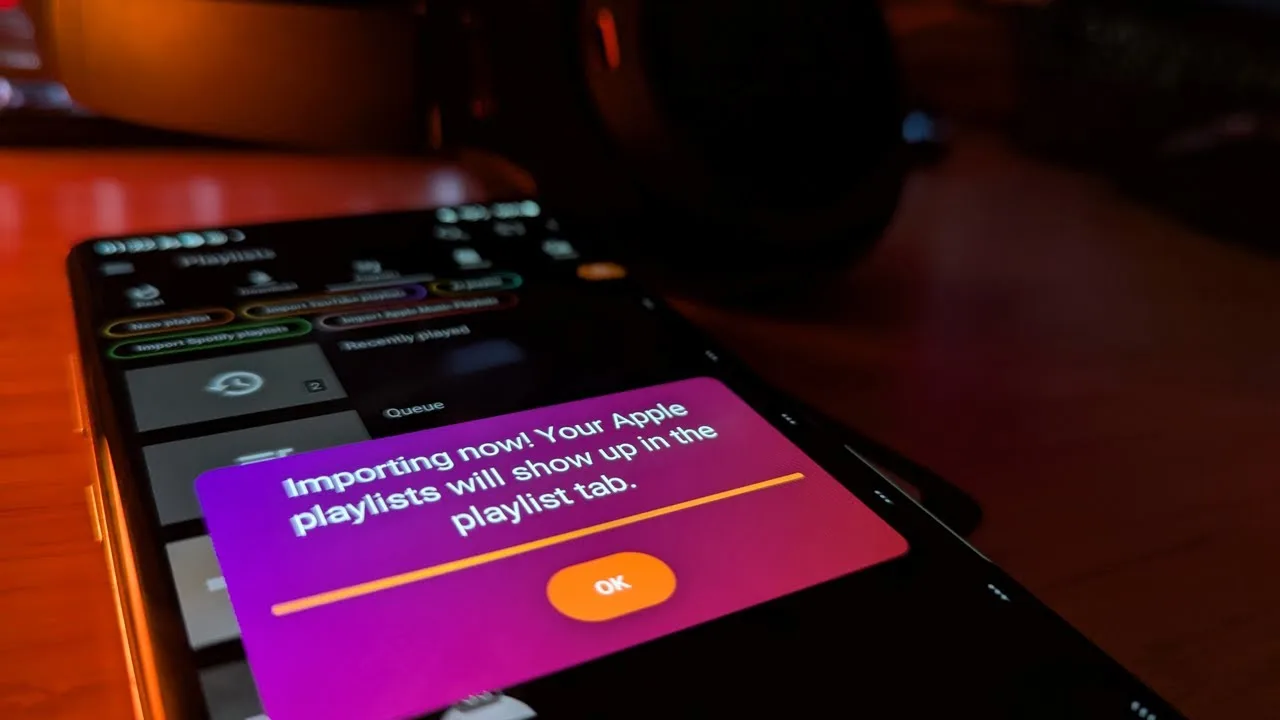
- Wait while the progress window imports the playlists.
The app opens the Playlists tab and confirms the import. Each playlist keeps its Apple Music name, and its songs carry the line Imported from Apple Music. The Import button of the Playlists tab offers only the YouTube ways, the Apple Music one lives on the Menu page.
What the songs play from
The import brings the song names and artists, not Apple Music audio. When you tap a song, the app finds its YouTube music video by artist and title and plays it, and from then on the song stays linked to that video. Now and then the top match is a live take or a lyric video. Search the song in the app and add the version you like to the playlist with Add to playlist.
The Imported from Apple Music line at the top of an imported playlist opens that playlist in Apple Music after a confirmation.
What the app does not do
- It does not play or download songs from Apple Music. The songs stream as YouTube videos, which do not play with the screen off or in the background. For listening offline use the Download tab - see how to download music for offline listening.
- It does not let you pick playlists. Every playlist of your library comes in at once, an empty Favorite Songs is skipped.
- It does not sync. A second import adds every playlist again as a new copy, so delete the old copies first.
- It has no import by Apple Music link, only the playlists of your own library. Library songs that sit in no playlist stay behind.
For YouTube the app has three ways of its own - see how to import YouTube playlists.
Apple's pages on this - use Apple Music with your Android devices, subscribe to Apple Music on Android.
Questions
Do I need an Apple Music subscription?
Yes, the connection goes through the Apple Music app and needs an active subscription. The imported songs then play in AT Player as YouTube videos.
How do I disconnect Apple Music?
Open the Menu page and tap Sign out of Apple Music. The imported playlists stay in the Playlists tab.
Why does a song play a different version?
The app plays the top YouTube match for the song name and artist. Search the song and add the version you want to the playlist.
Do changes in Apple Music show up in AT Player?
No, the import is a copy. Delete the old copies and import again to get the current playlists.