How to find similar songs from another decade on Android
Play a YouTube song in AT Player, open the full player and tap Similar, then Magic Search and Time Machine. Pick a decade from the 1940s to the 2000s, and the app answers with a list of songs like yours from that decade. Pick a mood, an instrument, a genre or a language instead of Time Machine, and you get songs like yours in that style.
What Magic Search and Time Machine do
Magic Search finds songs like the one playing, in a style you choose. Its list has moods (Happy, Sad, Calm, Romantic), weather and time of day (Rainy, Night), instruments (Piano, Saxophone, Violin), versions (Covers, Remixes, Live, Unplugged), genres and languages.
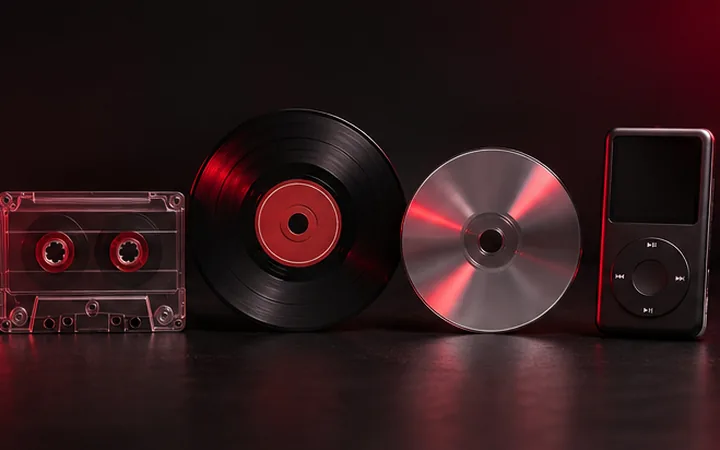
Time Machine sits in the same list. It keeps the feel of your song and moves it in time, to the 1940s, 1950s, 1960s, 1970s, 1980s, 1990s or 2000s.
Find songs like yours from another decade
- Open the Search tab.
- Tap Search YouTube & Music, type a song and press enter.
- Tap a song in the results to play it.
- Tap the player bar at the bottom to open the full player.
- Tap Similar at the bottom right of the video.
- Tap Magic Search.
- Tap Time Machine.
- Tap a decade, for example 1970s.
- Read the answer in the chat that opens, it lists songs like yours from the seventies.
- Tap Get playlists: under a song in the answer to open playlists that have it.
Any YouTube song works the same way, also one you play from Home or from your playlists.
Pick a style instead of a decade
At step 7 tap any other row of the list, for example Rainy, Piano or Unplugged. To ask for something the list does not have, type it in the Similar songs with field at the top, such as bossa nova or 2010s, and press enter. The chat stays open after the answer, so you can type a follow-up in your own words.
Two examples
- You play a dance hit from this year and pick Time Machine and 1980s. The chat suggests eighties songs in the same spirit, a start for a retro party playlist.
- You play a loud rock song and pick Unplugged. The chat suggests acoustic songs that keep its mood, for a quiet evening.
What it does not do
- It starts only from a YouTube song. With a download, a radio song or your own file playing, Magic Search is not there. For those, tap Ask AI on the Search tab and type the same kind of request, like 10 songs like Hotel California, Style 1960s.
- The songs it finds are YouTube streams. They play with the screen on, never in the background or with the screen off, and they are never downloaded. For music you keep on the phone use the Download tab, see how to download music for offline listening.
- The decade list ends at the 2000s, later decades work only when you type them.
- The answer is a list of suggestions in the chat, not a saved playlist.
Questions
Is Time Machine free?
Yes, Magic Search and Time Machine are part of the free app, which shows ads. Premium removes the ads.
Why is there no Similar button on my song?
The button sits on the video in the full player and shows only while a YouTube song plays. On a radio song the same place reads Watch video on YouTube.
Can I pick the 2010s?
The list goes from the 1940s to the 2000s. Type 2010s in the Similar songs with field and press enter.
How do I find playlists with a song from the list?
Tap Get playlists: under the song in the chat. More ways are in how to find playlists with a song.